Shopify Email ships free on every plan. It covers 10,000 sends a month, per Shopify’s official pricing page, July 2026. Most Malaysian sellers never turn it on, or turn it on and stop at the welcome email. Here’s how to set it up properly, automate the three flows that pay for themselves, and stay PDPA-compliant while doing it.
| 10,000 | 40–60% | 5–15% |
| Free emails/month on every Shopify plan (Shopify, 2026) | Welcome email open rate (Klaviyo 2024 Ecommerce Benchmarks) | Abandoned cart recovery rate (Klaviyo 2024 benchmark data) |

What Is Shopify Email Marketing and How Does It Work?
Shopify Email is a native email marketing app built into every Shopify store, letting sellers send campaigns and automated sequences directly from the Shopify admin without a separate login or integration. It pulls store branding, product data, and customer segments automatically, and includes 10,000 free sends per month.
Every Shopify store already has the pieces email marketing needs: customer records, order history, product catalogue. Shopify Email connects those pieces to your inbox without an API key, a Zapier workflow, or a second monthly bill.
That matters most for sellers who haven’t started email yet. The barrier to entry for platforms like Klaviyo or Omnisend is real: pricing tiers, contact syncing, template building. Shopify Email removes that barrier: install the app, design one email, send it.
The tradeoff is depth. Shopify Email’s segmentation is limited to what Shopify’s customer data already tracks: total spend, order count, location, tags. It can’t score customer lifetime value predictively or trigger on browse behaviour the way a dedicated ESP can. For a store under roughly 1,000–2,000 subscribers, that ceiling rarely matters yet.
Shopify Email fits into the broader content marketing strategy for Malaysian ecommerce sellers as the channel that turns one-time buyers into repeat customers, without paying a marketplace or ad platform for every re-engagement.
How Do You Set Up Shopify Email for Your Store?
Setup takes three steps: install the Shopify Email app from the Shopify App Store (free, one click), verify your sending domain for deliverability, and import your existing customer segments with marketing consent already flagged. Most Malaysian sellers complete initial setup in under 30 minutes.
Step 1: Install the app
From your Shopify admin, go to Apps → Shopify App Store, search “Shopify Email,” and click Add app. It installs directly, with no separate account or password.
Step 2: Verify your sending domain
By default, Shopify Email sends from a shared Shopify subdomain. To improve deliverability and inbox placement, connect your own domain (yourstore.com) under Settings → Notifications → Sender email. This sets up SPF and DKIM authentication automatically, which signals to Gmail, Outlook, and Malaysian ISPs that your emails aren’t spoofed. Skipping this step is the single most common reason Shopify Email campaigns land in spam.
Step 3: Check your customer marketing consent
Go to Customers in your Shopify admin and filter by “Email subscription: Subscribed.” This is your sendable list. If that number is unexpectedly low, your checkout or signup forms likely aren’t collecting consent properly. Check that the marketing opt-in checkbox appears (unchecked, per PDPA requirements) at checkout and on any signup form.
Step 4: Build your first template
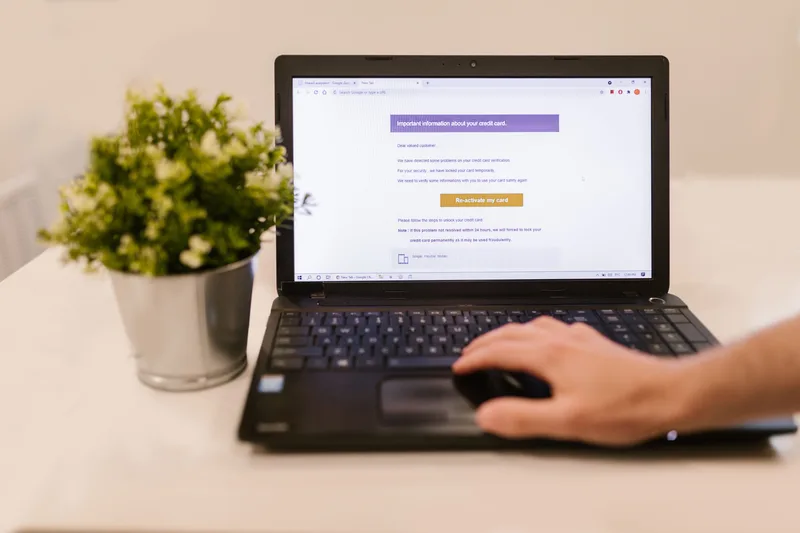
Shopify Email’s drag-and-drop editor pulls your store’s logo, colours, and fonts automatically. Start from a template (Shopify provides pre-built layouts for announcements, product features, and newsletters) rather than a blank canvas. It cuts setup time roughly in half.
Which Automated Email Flows Should You Build First on Shopify?
Three automations generate the majority of email revenue for Shopify stores: the welcome series, the abandoned cart sequence, and the post-purchase follow-up. Shopify Email includes pre-built templates for all three under Marketing → Automations. Activate them before sending a single manual campaign.
Automations run without you. Once built, they respond to customer behaviour on their own schedule: a subscriber joins, a cart sits abandoned, an order ships. Build these three before spending time on manual campaigns.
Welcome series
Triggers when a customer subscribes via your popup, checkout, or signup form. Klaviyo’s 2024 Ecommerce Email Benchmarks report puts welcome email open rates at 40–60%, roughly double a typical promotional send. In Shopify Email, go to Marketing → Automations → Welcome series, and customise the pre-built template with your brand voice and a first-purchase incentive.
Abandoned checkout sequence
Shopify Email’s abandoned checkout automation triggers when a customer adds items to cart and reaches checkout but doesn’t complete payment. Klaviyo’s 2024 benchmark data cites recovery rates of 5–15% of abandoned carts for stores running active reminder sequences. Shopify’s built-in version sends a single reminder email by default. For a second and third follow-up email with escalating urgency, you’ll need to duplicate the automation manually or move to a platform with multi-step abandoned cart flows.
Post-purchase follow-up
Runs after delivery to request a review, suggest related products, or prompt a reorder. Shopify Email’s template library includes a post-purchase layout under Automations. Customise the timing (3–5 days after delivery is standard) and connect it to your product recommendation block.

How Do You Stay PDPA-Compliant When Emailing Malaysian Customers?
Malaysia’s Personal Data Protection Act 2010 requires explicit, informed consent before you email a customer for marketing purposes. Shopify Email’s default opt-in checkbox at checkout satisfies this only if left unchecked: the customer must actively tick it. Every campaign must also include a working unsubscribe link.
PDPA compliance isn’t optional for Malaysian sellers, and Shopify Email’s defaults are built to help you meet it, not automatically guarantee it.
Three requirements to check now:
Consent must be opt-in, not opt-out. The marketing checkbox at your Shopify checkout must load unchecked. If a theme customisation or app pre-ticks it, that consent is not valid under PDPA. Audit your checkout settings under Settings → Checkout → Customer contact method.
Unsubscribe links are mandatory, not optional. Shopify Email automatically inserts an unsubscribe footer in every campaign and automation. Do not remove it via custom HTML. Doing so both breaks PDPA compliance and violates Shopify’s own terms of service for the Email app.
Keep consent records. Shopify stores the subscription timestamp against each customer automatically. If a customer disputes receiving marketing email, that record is your evidence of opt-in.
None of this requires legal software. It requires not overriding Shopify Email’s defaults. The risk sits with sellers who import lists from other sources or disable the built-in consent checkbox to inflate their subscriber count.
When Should You Upgrade From Shopify Email to Klaviyo or Omnisend?
Upgrade once your list passes roughly 1,000–2,000 engaged subscribers, or once you need segmentation Shopify Email can’t do: targeting by predicted customer lifetime value, browse abandonment, or multi-step conditional automation. Below that threshold, Shopify Email’s free tier and built-in flows cover most needs.
Shopify Email is a starting point, not a permanent ceiling for every store, but most sellers switch later than they should, out of inertia rather than genuine need.
Watch for these three signals:
Your automations feel too rigid. Shopify Email’s welcome series and abandoned cart flows are single-path: every subscriber gets the same sequence. If you want to branch (different flow for first-time vs. repeat buyers, different timing for high-value carts), you need a platform built for conditional logic.
Your list has outgrown basic segmentation. Shopify Email segments by order count, total spend, tags, and location. Klaviyo and Omnisend add predictive lifetime value scoring, browse abandonment, and win-back triggers based on inactivity, useful once your list is large enough that manual campaigns stop being personal.
You want SMS or push notifications alongside email. Shopify Email is email-only. Omnisend bundles SMS into paid plans, useful for time-sensitive Malaysian shopping events like 11.11 and 12.12.
For a full side-by-side of what each platform costs and does differently, see our best email marketing for Shopify comparison and Omnisend vs Klaviyo breakdown.
How Do You Measure Shopify Email Performance?
Track four numbers inside Shopify Email’s built-in analytics: open rate (target 20%+ for campaigns), click-through rate (target 2.5%+), unsubscribe rate (keep under 0.5% per send), and attributed revenue per campaign. Shopify Email shows all four natively under Marketing → your campaign → Performance.
Shopify Email’s reporting is simpler than a dedicated ESP but covers what most sellers need to judge whether a campaign worked.
Open rate and click-through rate appear automatically on every sent campaign. If your open rate sits below 15%, your subject lines aren’t landing, or your list has gone stale. Run a re-engagement campaign before sending more promotional emails to unresponsive contacts.
Attributed revenue shows sales from customers who clicked through your email within the attribution window. This is the number that matters most: it connects email activity to actual store income rather than just engagement.
Unsubscribe rate above 0.5% per send signals you’re emailing too often or the content isn’t relevant. Reduce frequency before your sender reputation takes a hit. High unsubscribe and spam-complaint rates affect inbox placement for every subsequent send, including your automations.
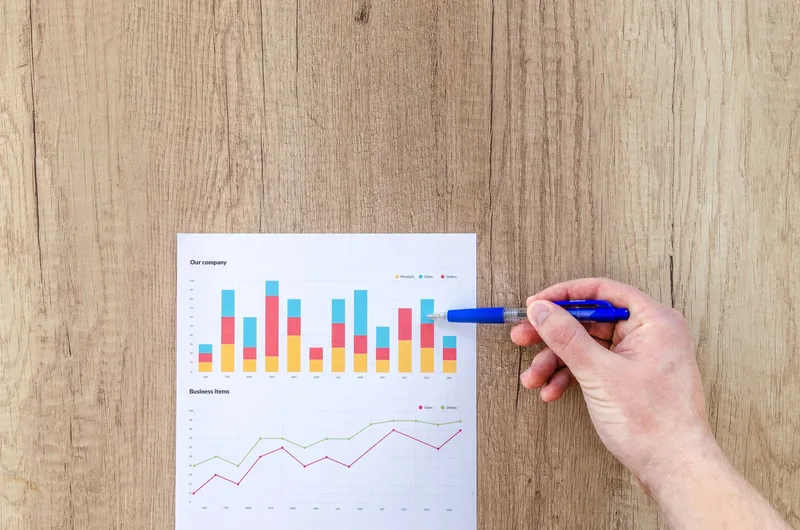
Check these numbers monthly, not just after big campaigns. A welcome series with a declining open rate over three months usually means your list-building source has shifted, worth investigating before it drags down deliverability for your abandoned cart and post-purchase flows too.
Frequently Asked Questions
Is Shopify Email free to use?
Yes. Shopify Email is included free on every Shopify plan, covering up to 10,000 emails sent per month. Additional emails beyond that cap cost approximately USD 1 per 1,000 sends (roughly RM 4.50 per 1,000), per Shopify’s official pricing page, July 2026. There is no separate subscription or login. It runs inside your existing Shopify admin.
How many emails can I send with Shopify Email for free?
10,000 emails per month, reset on your billing cycle. A store with 2,000 subscribers sending two campaigns a month uses 4,000 of that allowance, leaving room for automated flows like abandoned cart and welcome series on top.
Do I need customer consent to send marketing emails in Malaysia?
Yes. Malaysia’s Personal Data Protection Act 2010 requires explicit consent before you use a customer’s personal data, including email address, for marketing purposes. Shopify Email’s opt-in checkout checkbox and signup forms satisfy this when left unchecked by default: do not pre-tick the marketing consent box, and always include a working unsubscribe link in every send.
When should I switch from Shopify Email to Klaviyo or Omnisend?
Most Malaysian sellers outgrow Shopify Email once their list passes roughly 1,000–2,000 engaged subscribers or they need behaviour-based segmentation: targeting by customer lifetime value, browse history, or predicted churn. Shopify Email’s automation templates are fixed; Klaviyo and Omnisend let you build conditional, multi-branch flows. See our full breakdown in the best email marketing for Shopify comparison.
Can I import my existing email list into Shopify Email?
Shopify Email only sends to customers already in your Shopify customer list who have opted into marketing. You cannot upload an external CSV of cold contacts. If you’re migrating from another platform, export your subscriber list with consent timestamps and import it as customers with marketing consent explicitly set, or use a dedicated ESP like Klaviyo or Omnisend that supports list imports with documented opt-in.